
DTF Artwork Requirements
These requirements cover custom DTF transfers and gang sheets. We print your file exactly as you send it, so a few minutes checking it here saves a reprint later.
Every point below is something we see go wrong, with an example of each.
Start at 300 DPI, at the size you want it printed
A 300 DPI file at print size keeps its edges clean. A screenshot, or anything saved off social media, is usually 72 DPI and prints soft and jagged.
The simple test: if it looks blurry when you zoom in on your screen, it will look blurry on the shirt.
Have a poor quality image you need printed?
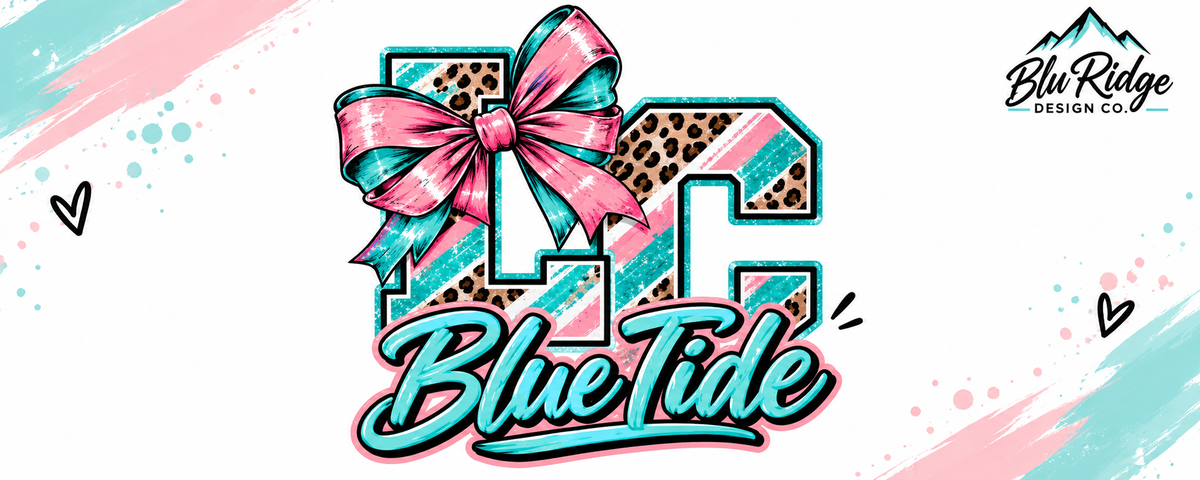
300 DPI at print size
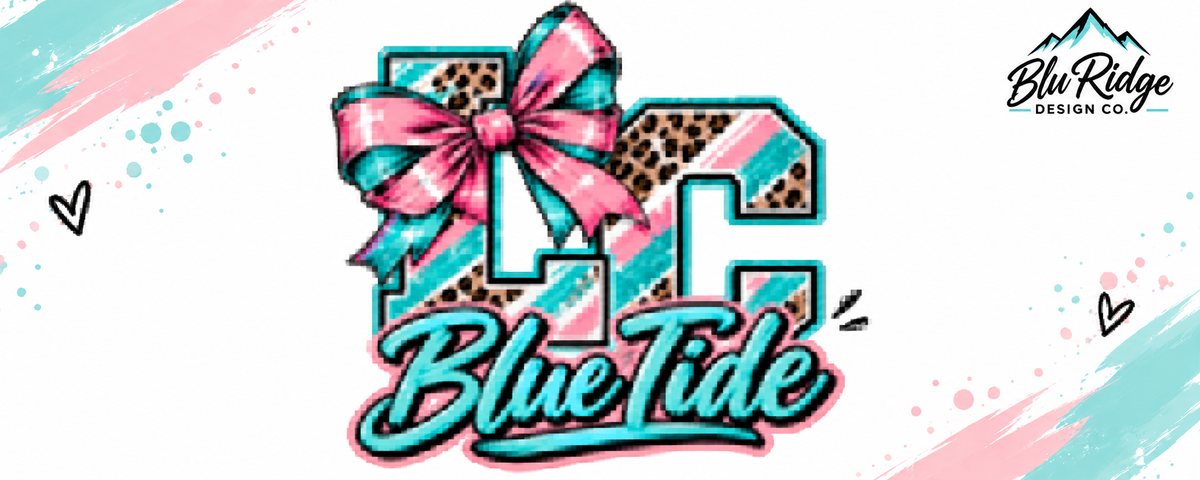
72 DPI screenshot
Save it with a transparent background
DTF prints every pixel in the file, including white ones. A design sitting on a white square prints the square along with it.
A transparent PNG is the safest way to send it.
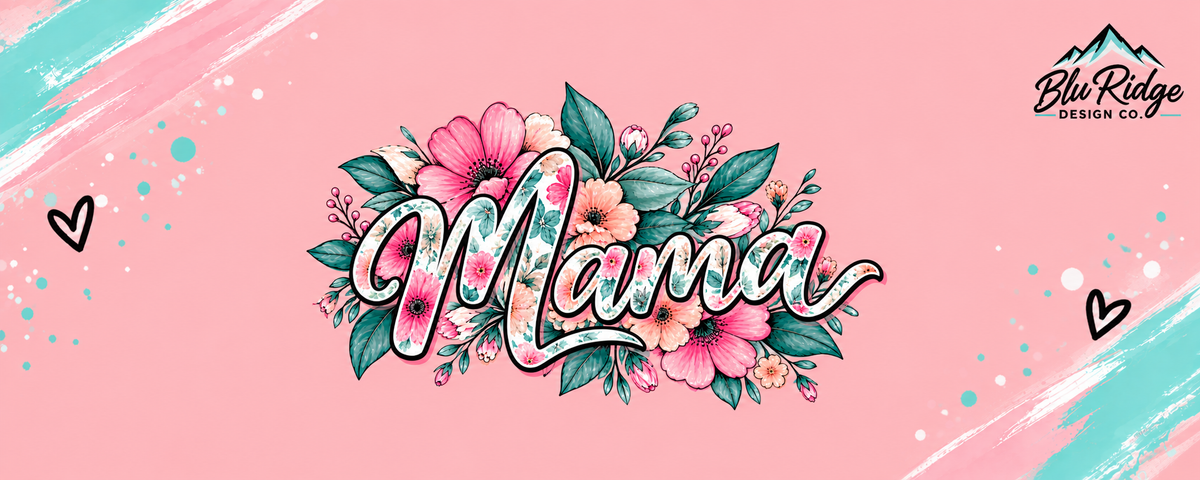
Transparent background
White background
A checkered background is not a transparent one
That gray and white checkerboard is how design software shows you transparency. It is not actually part of the file.
But screenshot that design, or save one off a Google image search, and the checkerboard gets saved with it as real pixels. The file looks transparent on screen and prints as a gray and white grid sitting behind your artwork.
If you can see the squares in your own file, they will print.
Genuinely transparent

Checkerboard baked in
Crop to the artwork, not the canvas
Size is measured from the edges of your file, not the edges of your design. Empty space around the artwork counts toward the size, so the print comes out smaller than you expected.

Cropped to the design

Empty canvas around it
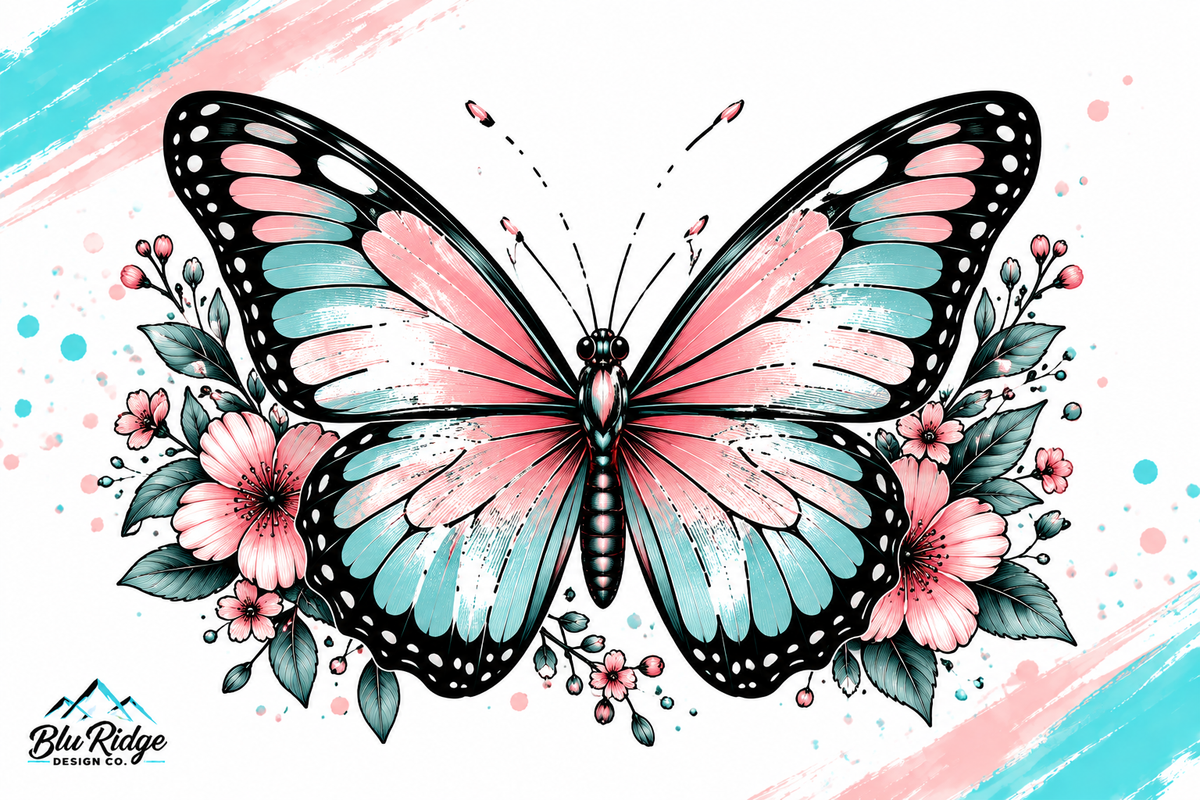
Thin lines have nothing to hold on to
Thin lines print fine. The trouble comes after the printing.
DTF works by laying adhesive powder onto the wet ink, and a hairline does not give that powder enough surface area to grip. When the transfer is pressed, those thin areas either do not release from the film at all, or they go on and then come away after a wash or two, because there is almost no glue holding them down.
So thicken hairlines, and look at your smallest detail at full print size before you send it. If a line is barely there on screen, there is not enough of it for the adhesive to hold.

Edges that fade out may not all transfer
A color gradient in the middle of a design transfers fine. The problem is only at the edges.
Where artwork fades away to nothing, the ink gets so sparse that there is almost nothing for the adhesive to grip. The clearest example is a glow around the outside of a design, the kind you would see around a neon sign: the outer part of that halo normally will not all come across onto the shirt. A halftone dot fade or a distressed edge that thins out into fine speckles behaves the same way.
Paint splatter and texture around an edge usually transfer fine, as long as the individual pieces are not too small. It is the same rule as thin lines: the smaller the piece of ink, the less glue there is holding it down.
So keep the outside edges of a design solid. If an edge glow really matters, it is worth having it redrawn so the effect is built from defined shapes.
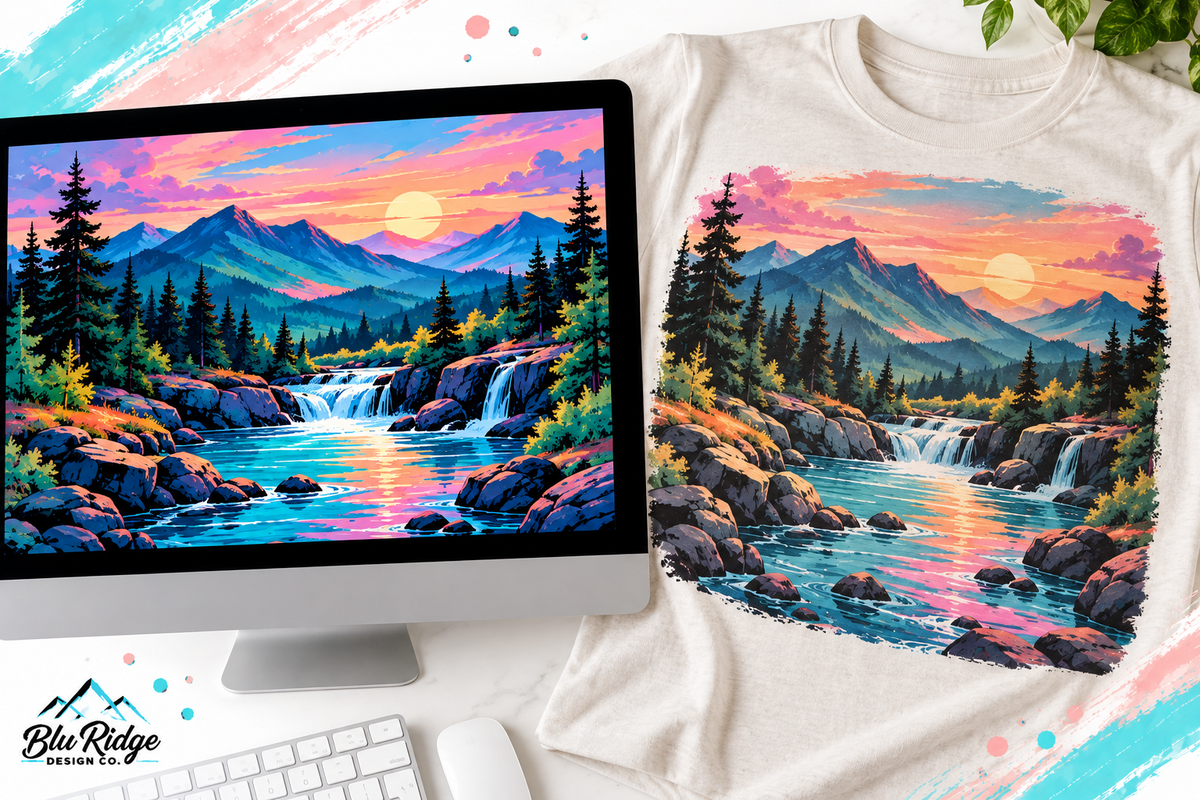
Color may shift a little
Our printers use CMYK. Your monitor uses RGB and is backlit, so colors print close but never identical. We cannot guarantee a match to what you see on screen.
A slight difference is normal and is not grounds for a reprint. If something comes out dramatically wrong, message us and we will sort it out.
We print exactly what you send
Your file goes to the printer the way it arrives. We do not edit, redraw or clean up artwork as part of a normal order, and custom DTF transfers do not go through a proof before printing.
If something is clearly unusable we may get in touch before we print it, and we reserve the right to decline artwork we cannot print properly. Treat that as a courtesy rather than a checking service: nobody is reviewing your file for you.
If you want help, ask us. Custom graphic design is a small paid service that covers background removal, cleaning a file up, changing it, or building you a new one, and it is quicker and cheaper than reprinting an order that did not come out right.
Transfers printed from a low resolution or poorly prepared file are not replaced free of charge.
Not sure about your file?
Ask before you order. Send us what you have and we will tell you whether it will print well.
Contact us, or check the FAQ.